How to Mount a TV on the Wall Safely: Step-by-Step Guide
Mounting a TV on the wall improves viewing comfort, saves space, and gives a clean, modern look. However, improper installation can lead to serious damage or even injury if the TV falls. The key is to secure the mount correctly and ensure it is anchored into structural elements, not just drywall.
This guide explains how to mount a TV safely and avoid common installation mistakes.
What You’ll Need
- TV wall mount (compatible with your TV size and weight)
- Drill and drill bits
- Stud finder
- Level
- Socket wrench
- Measuring tape
- Pencil for marking
Step 1: Choose the Right Location
Select a wall with enough space and proper viewing height. Avoid mounting too high. A common guideline is to keep the center of the screen at eye level when seated.
Step 2: Locate Wall Studs
Use a stud finder to locate wooden studs behind the drywall. These provide the necessary support to hold the TV weight.
- Mark at least two studs
- Confirm spacing (typically 16 inches apart)
Do not rely on drywall anchors alone for heavy TVs.
Step 3: Mark Mounting Points
Hold the wall bracket against the wall and mark drilling points aligned with the studs. Use a level to ensure the mount will be straight.
Step 4: Drill Pilot Holes
Drill pilot holes into the studs at the marked points. This makes it easier to drive bolts and prevents wood splitting.
Step 5: Attach the Wall Mount
Secure the mount to the wall using lag bolts. Tighten them firmly using a socket wrench.
Check that the mount is stable and does not move.
Step 6: Attach Brackets to the TV
Install the mounting brackets on the back of the TV according to the manufacturer’s instructions. Make sure screws are the correct size and length.
Step 7: Mount the TV
Lift the TV and hook it onto the wall mount. This step may require two people for safety.
Ensure the TV locks securely into place.
Step 8: Check Alignment and Stability
Use a level to confirm the TV is straight. Gently test stability by applying light pressure.
Cable Management
Organize cables for a clean appearance:
- Use cable covers or raceways
- Bundle wires neatly
- Avoid tension on connectors
Common Mistakes to Avoid
- Mounting directly into drywall without studs
- Using incorrect bolts
- Skipping the level check
- Mounting too high on the wall
When to Get Help
Consider professional installation if:
- You cannot locate studs
- The wall is concrete or brick
- The TV is large and heavy
Expected Outcome
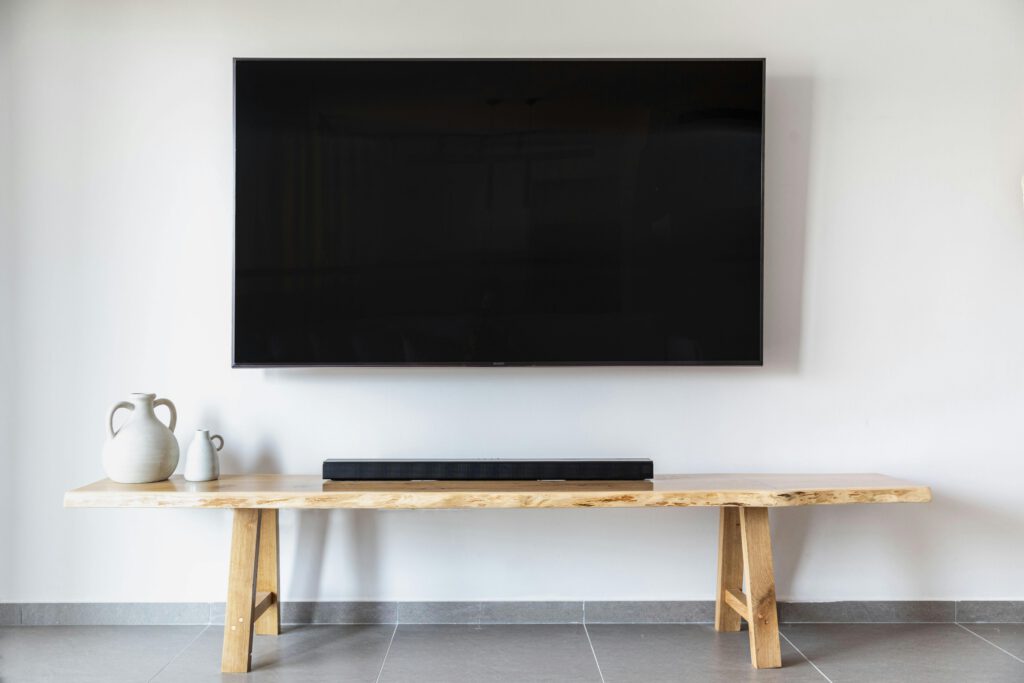
A properly mounted TV should feel secure, sit level on the wall, and remain stable over time. Taking the time to mount it correctly ensures both safety and a clean, professional appearance.