What to Do If a Light Switch Stops Working: Step-by-Step Troubleshooting
A light switch that suddenly stops working is a common issue in many homes. It may seem minor, but it can indicate anything from a simple bulb problem to a deeper electrical issue. The key is to diagnose the problem safely and methodically.
This guide walks through how to identify the cause and fix common switch problems without unnecessary risk.
Common Reasons a Light Switch Fails
- Burned-out light bulb
- Loose wiring connection
- Worn-out switch mechanism
- Tripped circuit breaker
- Faulty outlet or fixture upstream
Safety First
Before working with any electrical component:
- Turn off power at the breaker
- Confirm power is off using a tester
- Never work on live wiring
Step 1: Check the Bulb
Start with the simplest possibility. Replace the bulb with a known working one. Sometimes the issue is not the switch at all.
Step 2: Check the Breaker Panel
If the light does not turn on, check your breaker panel. Reset any tripped breakers by switching them fully OFF and then back ON.
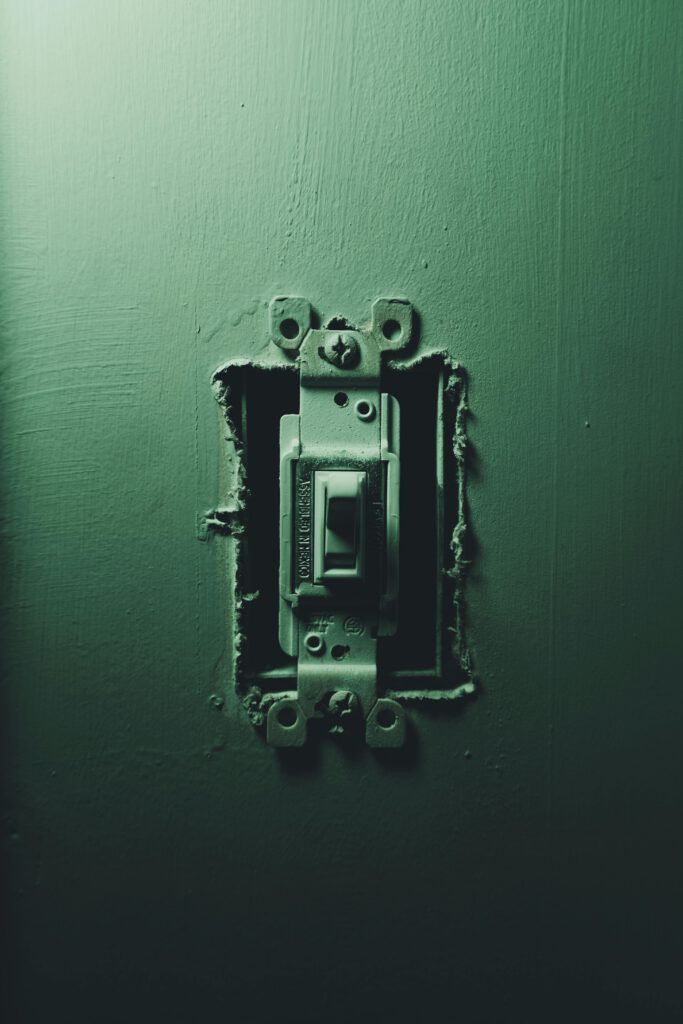
Step 3: Remove the Switch Cover
After confirming power is off, remove the switch cover plate and unscrew the switch from the electrical box.
Gently pull the switch forward to inspect the wiring.
Step 4: Inspect Wiring Connections
Look for loose or disconnected wires. Common signs include:
- Wires not fully secured under screws
- Burn marks or discoloration
- Damaged insulation
If a wire is loose, reattach it firmly under the terminal screw.
Step 5: Test or Replace the Switch
If wiring appears intact, the switch itself may be worn out. Switches have internal components that degrade over time.
Replacing a switch is often the simplest solution:
- Disconnect wires from the old switch
- Connect them to a new switch in the same configuration
- Secure the new switch in place
Step 6: Reassemble and Test
Reinstall the switch into the box, attach the cover plate, and turn power back on. Test the switch to confirm proper operation.
Signs of a More Serious Problem
Stop troubleshooting and seek professional help if you notice:
- Sparking or burning smell
- Heat coming from the switch
- Multiple switches not working
- Breaker trips when using the switch
Common Mistakes to Avoid
- Working without turning off power
- Mixing up wire connections
- Over-tightening terminal screws
- Ignoring signs of electrical damage
After the Fix
A properly functioning switch should operate smoothly with no delay or flicker. The light should turn on instantly, and the switch should feel firm without looseness. Addressing switch issues early helps maintain electrical safety and reliability in your home.